- How do I record landscape and portrait video at the same time?
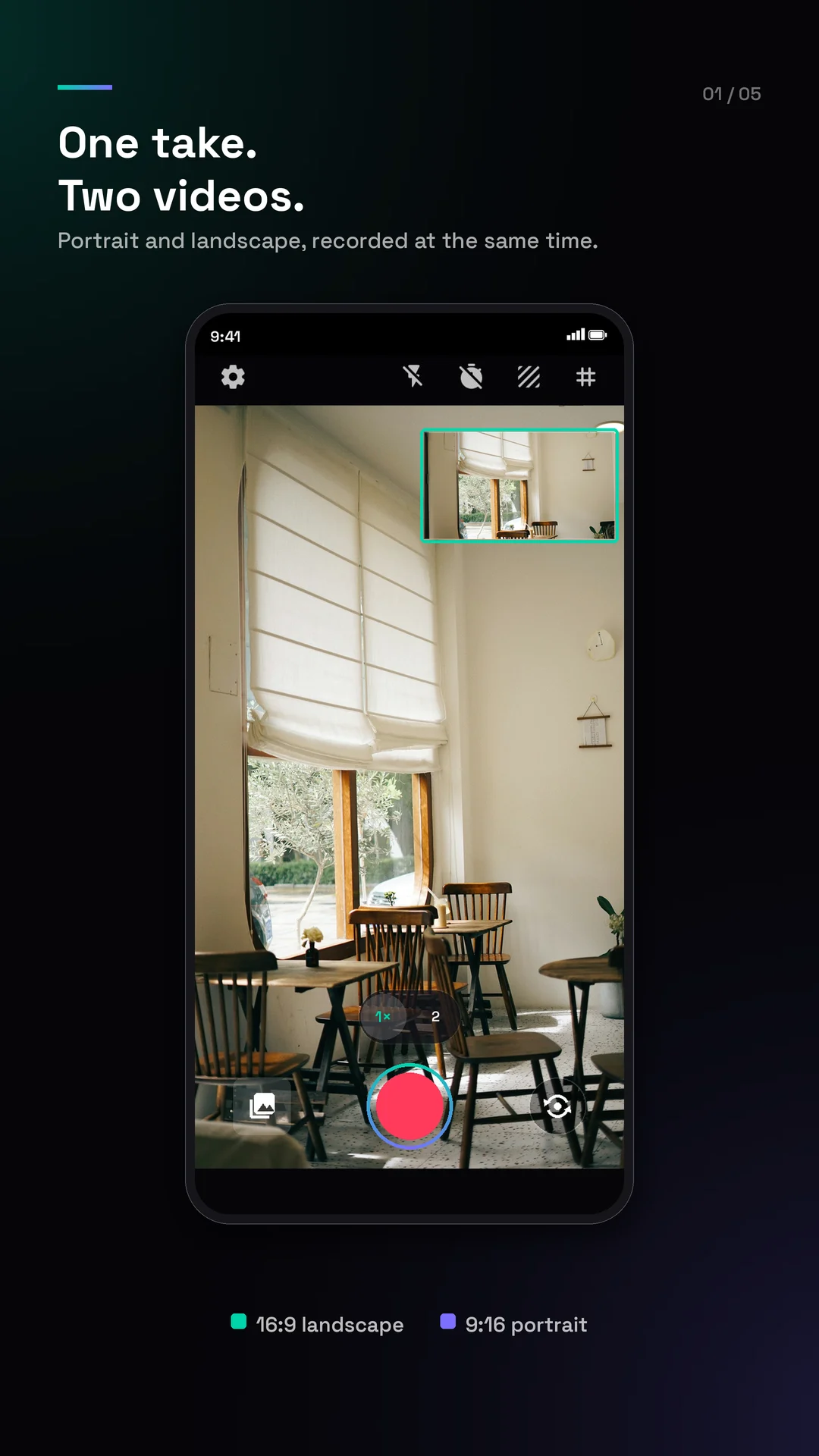
- Record one take in Creator Cam and it saves a landscape 16:9 video and a portrait 9:16 video at the same time — so you never film twice or rotate your phone. Both are finished the moment you press stop, ready to post.
- Can I film for YouTube and Shorts, Reels, or TikTok at once?
- Yes. A single take gives you a horizontal 16:9 video for YouTube and a vertical 9:16 video for Shorts, Reels, and TikTok together, so one recording covers both long-form and short-form video.
- Are both videos full-frame, or is one a crop of the other?
- Each video is framed for its own shape — the portrait one is not a zoomed-in crop of the landscape one, so nothing important gets cut off in either format. They look like you filmed them separately.
- Can I take landscape and portrait photos at the same time too?
- Yes. Photos work the same way as video: one tap gives you the landscape shot and the portrait shot from the same moment, each framed for its own shape rather than cropped from the other.
- Can Creator Cam record in 4K and HDR?
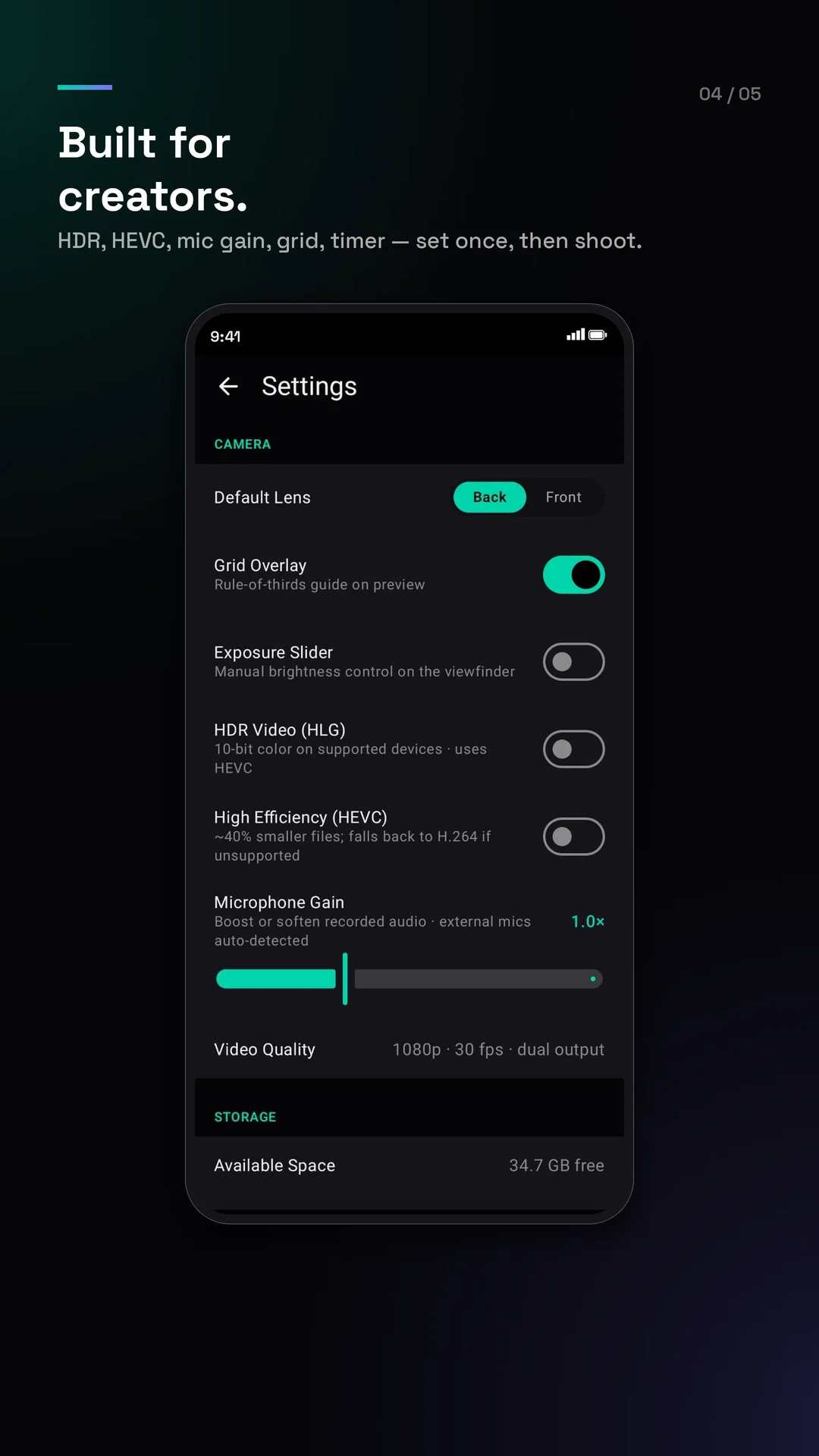
- Yes, where your phone's camera supports it — up to 4K on phones that can feed it and 1080p everywhere else, with HDR on cameras that offer it. Sound is recorded into both shapes, in sync, ready to edit the moment you stop.
- Does Creator Cam have a teleprompter and manual controls?
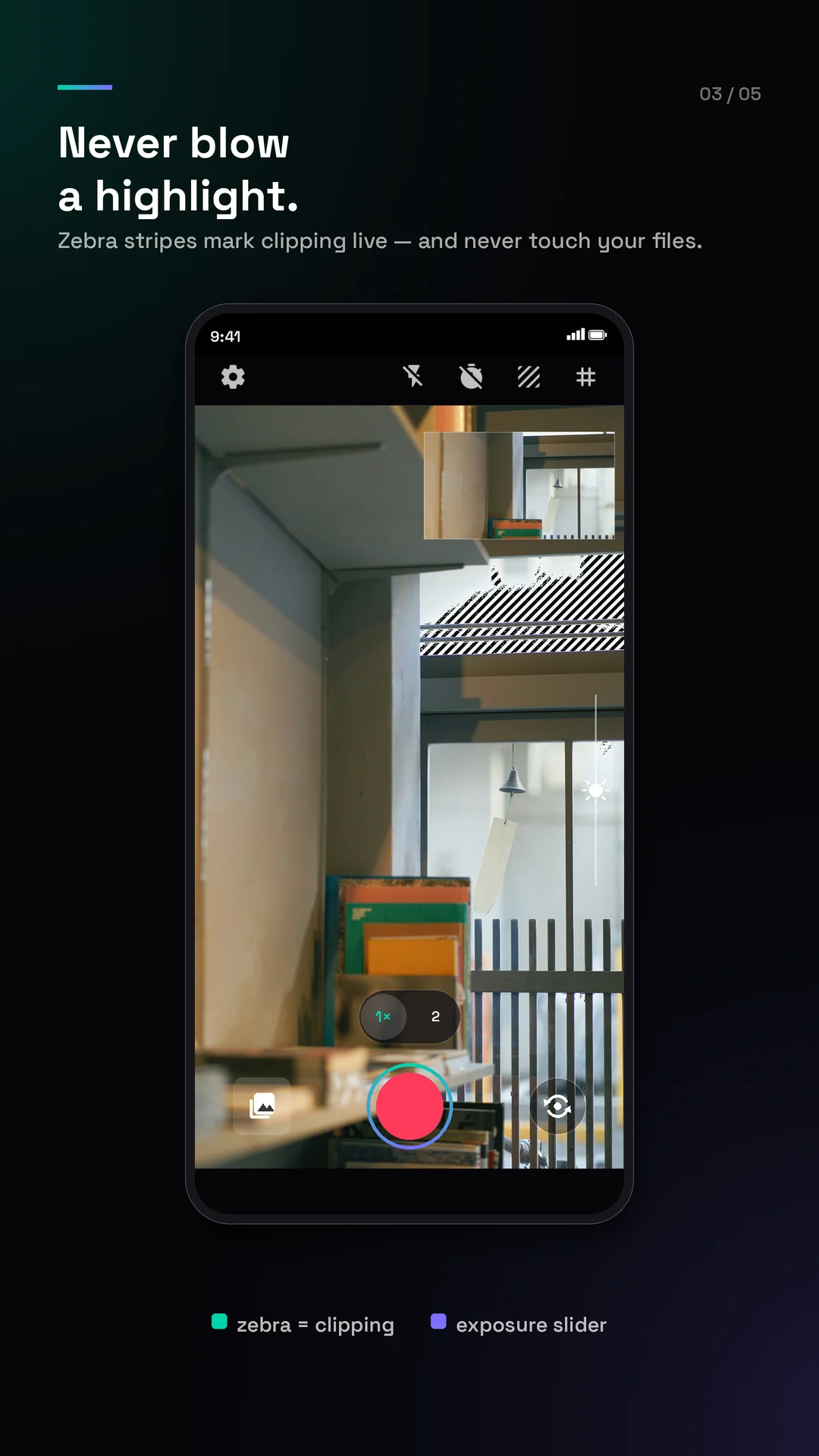
- Yes. A built-in teleprompter scrolls your script over the viewfinder at your reading pace, and when you want them there are manual ISO, shutter and white balance, an exposure slider, and a tap to lock focus and exposure. There is also time-lapse, a self-timer, a framing grid, a level guide, zebra stripes and focus peaking — on-screen aids that are never saved into your videos.
- Does Creator Cam add a watermark or show ads?
- There is never a watermark on your videos or photos, and every feature — 4K, HDR, the teleprompter, time-lapse, manual controls and trimming — is free, with no account and no paywall. Creator Cam is funded by ads: a full-screen ad can appear after you save a video take (never while you record, and never when you take a photo), spaced several saves and a few minutes apart, and you can watch a short rewarded video in Settings to go ad-free for 24 hours.
- Does Creator Cam work offline, and is my footage private?
- Your footage never leaves your device — Creator Cam does not upload your videos or photos, and recording works fully offline. The app connects to the internet only to fetch the ads that keep it free; those ads never have access to your recordings, there is no account and no analytics, and where the law requires it you are asked to consent to ads first.
- Is Creator Cam free, and where do I get it?
- Creator Cam is free on Google Play. Use the “Get it on Google Play” button on this page to install it on any Android 11 or newer device.