Logic · daily
Fathom
Read the numbers to chart the hidden mines and clear the field — one fresh daily board for everyone, plus endless free play.
How to play Fathom
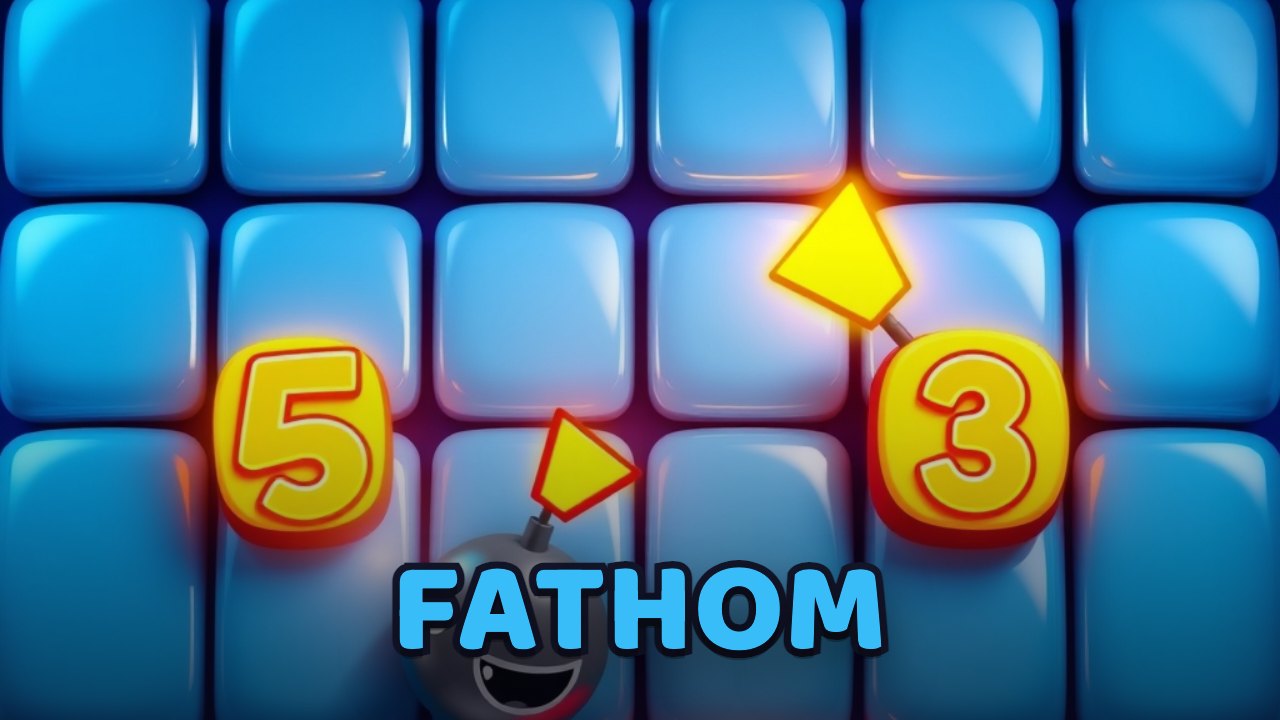
Tap any cell to reveal what's under it. A revealed cell shows a number — how many mines touch it, counting all eight neighbours — or opens up a whole safe region if it touches none. On the daily board, one guaranteed-safe cell is hinted to start you off.
Read the numbers to reason out where the mines hide. A ‘1’ touching a single unopened cell means that cell is a mine; from there, the cells around other numbers become provably safe.
Turn on Flag mode — or long-press, or right-click — to mark every cell you've worked out is a mine, so you never reveal it by accident. Tap a fully-flagged number to clear its remaining neighbours in one move.
Reveal every safe cell to win. Reveal a mine and the run ends — but the daily board is the same for everyone, and you can retry it as many times as you like until you crack it.
Controls
- Tap / click
- Reveal a cell
- Flag button / long-press / right-click
- Flag or unflag a suspected mine
- Tap a satisfied number
- Chord — clear its remaining neighbours
- Daily ⇄ Free buttons
- Switch the daily board and endless free play
Tips
- Start from the hinted safe cell on the daily and work outward — the large opened area gives you the most numbers to reason from.
- A number equal to the count of unopened cells around it means every one of those cells is a mine; flag them and the neighbours of nearby numbers open up safely.
- Flag as you go. A clean set of flags turns chording into a fast, safe way to sweep whole regions at once.
- When you're truly stuck, the edges and corners usually have the most constrained numbers — the safest place to make progress without guessing.
About Fathom
Fathom is Navritto's take on Minesweeper — the classic logic puzzle of clearing a grid without detonating a hidden mine — rebuilt to play instantly in the browser. Each numbered cell tells you how many of its neighbours are mined, and from those clues you deduce, flag, and sweep your way to a clean board. There is a fresh daily board that is identical for everyone that day, so a solve is worth comparing, plus endless free play with a true first-click-safe opening, and it fills the screen in portrait or landscape by rendering the very same puzzle turned on its side. It needs no install or account, works with touch, mouse, or keyboard, saves your best time and your streak on your device, and reads by number and shape as well as by colour. Fathom joins Gummy Snake, Prism, Doubler, Lexicon, Sudoku, Skyhop, Pairs, Skyline, Ricochet and the rest of Navritto Games — the same bright board, and the same satisfying sweep on every clear.
Frequently asked questions
- Is there a free Minesweeper I can play online with no download?
- Yes. Fathom is a free Minesweeper-style logic puzzle you play right in your browser — no download, no sign-up, no app. There's a fresh daily board that's the same for everyone plus endless free play with a first-click-safe opening, and your best time and streak save on your device.
- Is Fathom like Minesweeper?
- Yes. Fathom is Navritto's own take on Minesweeper — the same classic puzzle of clearing a grid by reading how many mines each number touches, with flags, chording, and a first-click-safe start. It's rebuilt to play free in the browser, and it reads by number and shape as well as by colour.
- Is Fathom free to play?
- Yes, Fathom is free to play in your browser with no signup and nothing to install. It's Navritto's version of the classic Minesweeper logic puzzle.
- How do you play the Minesweeper game Fathom?
- Tap cells to reveal them; each number tells you how many of the eight surrounding cells are mines. Use those clues to flag the mines and reveal every safe cell. Turn on flag mode, long-press, or right-click to place flags, and clear all the safe cells to win.
- Does Fathom work on mobile?
- Yes. Fathom works on phones and tablets — tap to reveal, use the flag button or a long-press to flag — and on desktop with the mouse (right-click to flag) or the keyboard. The board fills the screen either way.
- Is the daily Fathom board the same for everyone?
- Yes. Each day generates one board that's identical for every player, with a guaranteed-safe cell hinted to start from. You can retry the same daily board until you solve it, and there's endless free play too.












Explore more from Navritto
More things you can use right here on the site — nothing to install.