
Puzzle
Sixfold
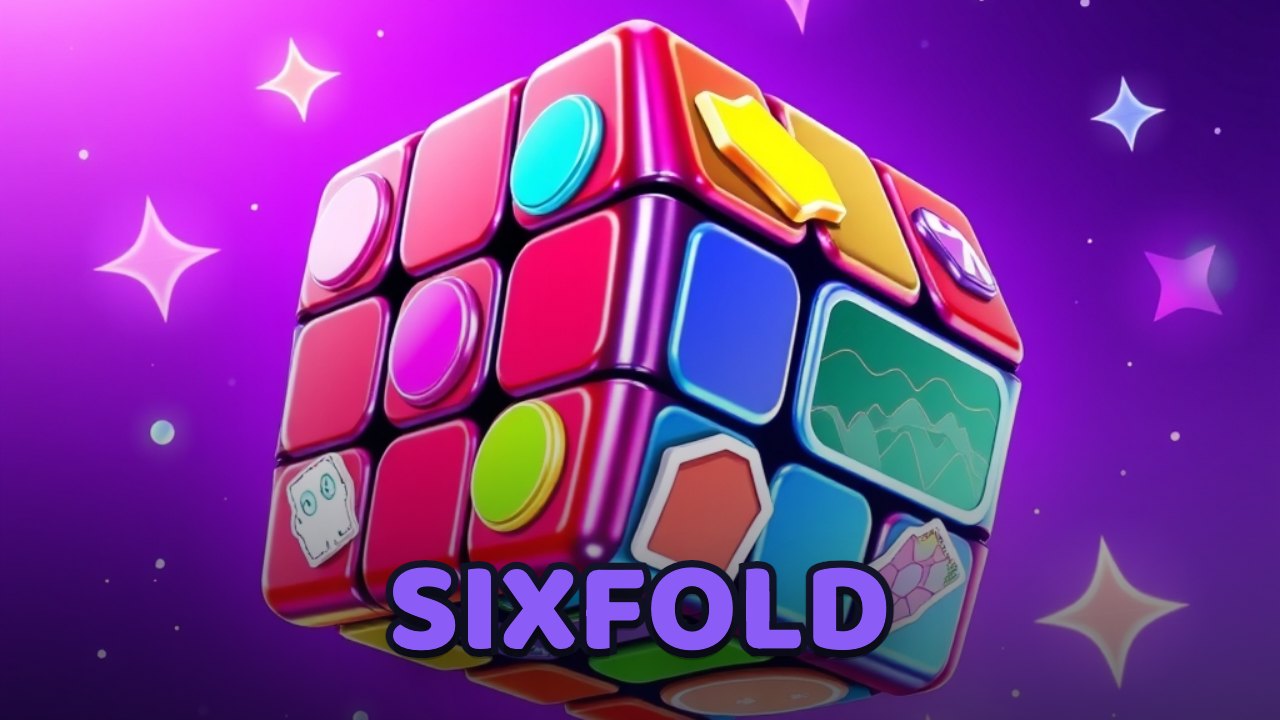
A 3-D speedcubing puzzle you solve right in the browser — drag to twist a face, race the timer, learn the beginner method one fold at a time, or let the solver finish it.
How to play Sixfold
Sixfold is a 3-D Rubik's Cube you solve right in the browser. Twist a face by dragging across it — grab a row or column of stickers and swipe the way you want it to turn — and drag the empty background instead to orbit the whole cube and see the sides you can't reach.
Prefer the keyboard? Press a face letter — U, D, L, R, F, or B — to turn the up, down, left, right, front, or back face clockwise, and hold Shift for a counter-clockwise (prime) turn, exactly the way standard cube notation is written.
Hit Scramble for a fresh, random cube whenever you like. The timer starts on your first turn and stops the instant the cube is solved, saving your personal best on your device.
New to cubing? Open the step-by-step tutorial and it walks you through the beginner layer-by-layer method on the 3-D cube, one stage at a time. Stuck mid-solve? Ask for a hint to light up your next move, or let the built-in assistant solve the whole cube for you.
It plays the same on touch and desktop — drag with a finger or the mouse — fills the screen in portrait or landscape, and needs no install and no account.
Controls
- Drag across a face
- Twist that row or column of the cube
- Drag the background
- Orbit the whole cube to see every side
- U D L R F B
- Turn the up, down, left, right, front, or back face
- Shift + face key
- Turn that face counter-clockwise (a prime move)
- On-screen buttons
- Scramble, hint, solve, and open the tutorial
Tips
- Solve one layer at a time — the white cross first, then the white corners — rather than trying to fix the whole cube at once.
- Learn the moves in standard notation (U, R', F2) so you can follow any cube guide, and remember the keyboard maps straight onto it.
- Work through the tutorial's beginner method until the algorithms become muscle memory, then start racing the timer to beat your best.
- Reach for a hint only when you're truly stuck — solving it yourself is what lowers your times — and save the assistant's full solve for a fresh start.
About Sixfold
Sixfold is Navritto's 3-D Rubik's Cube — a speedcubing puzzle you play right in the browser, on a real, fully modelled 3×3 cube you turn by dragging. Twist any face with a swipe, or type standard cube notation on the keyboard (U, R', F2), and orbit the cube to check every side. Hit Scramble for a fresh, random cube whenever you like; a timer starts on your first turn and stops the moment the cube is solved, keeping your personal best on your device. If you have never solved a cube, a built-in tutorial teaches the beginner layer-by-layer method one stage at a time on the 3-D cube — folding each move as you tap so you can follow exactly what turns next — a hint will show your next move, and the built-in assistant can solve the whole cube for you. It needs no install and no account, works with touch or the keyboard, and fills the screen in portrait or landscape. Sixfold is an original cube simulator — a puzzle, not a claim to any brand — free to play right here in your browser.
How to solve a Rubik's cube
The easiest way to solve a Rubik’s cube is the beginner layer-by-layer method: you build the cube one layer at a time using a few short, repeated move sequences — called algorithms, written in standard cube notation. Here are its seven stages, the same ones Sixfold’s built-in tutorial walks you through move by move on a 3-D cube.
White cross
Start by building a white cross on the bottom. Find the four edge pieces that carry white and bring each one down so its white sticker sits on the white centre and its side colour matches the centre it points at.
The easiest beginner route is the “daisy”: gather the four white edges around the yellow centre on top, then turn each face twice to drop that edge straight down into the cross. Watch the four edges fall into place.
Algorithm:
F2 R2 B2 L2White corners
Now the corners. Find a corner with white in it, hold it in the top layer directly above the empty slot where it belongs, then repeat the moves R U R′ U′ until the corner drops in with white on the bottom.
If a white corner is stuck in the bottom layer facing the wrong way, do the same moves once to pop it out into the top layer, then insert it correctly. Finishing the corners completes the entire white face and first layer.
Algorithm:
R U R' U'Second layer
With white done, flip the cube in your mind so white is on the bottom. Now solve the four edges of the middle layer — the ones with no yellow.
Find an edge in the top layer with no yellow, turn the top until it lines up with its matching centre, then run the insert: U R U′ R′ U′ F′ U F sends it down to the right. Mirror it (U′ L′ U L U F U′ F′) to send an edge to the left.
Algorithm:
U R U' R' U' F' U FYellow cross
Turn to the last layer, yellow on top. First make the yellow cross — ignore the corners for now and just orient the four yellow edges.
Hold the cube and repeat F R U R′ U′ F′. A dot becomes an L-shape, the L becomes a line, and the line becomes the full cross. Position the shape as shown (L in the top-left, or line horizontal) before each turn.
Algorithm:
F R U R' U' F'Orient the corners (OLL)
The yellow cross is done; now make the whole top face yellow by orienting the corners. This is the “OLL” (orient last layer) stage.
Use the beginner favourite, Sune: R U R′ U R U2 R′. Keep an unsolved corner in the front-right, repeat Sune, and the corners rotate a step at a time until the top is a solid yellow — the cross may spin around the top; that is expected.
Algorithm:
R U R' U R U2 R'Permute the last layer (PLL)
The top is all yellow, but the side colours may not line up yet. The last stage — “PLL” (permute last layer) — swaps the top pieces into their correct spots without disturbing the yellow face.
The T-perm swaps two corners and two edges: R U R′ U′ R′ F R2 U′ R′ U′ R U R′ F′. Repeat and re-align the top until every side is a single colour. When the last piece clicks in, the cube is solved.
Algorithm:
R U R' U' R' F R2 U' R' U' R U R' F'Solved
That is the whole beginner method: white cross, white corners, second layer, yellow cross, orient the corners, then permute the last layer.
The more you practise, the more the algorithms become muscle memory. Scramble a fresh cube, start the timer, and see how you do — then come back to any stage here whenever you get stuck.
Frequently asked questions
- Is there a free online Rubik's cube I can play with no download?
- Yes. Sixfold is a free 3-D Rubik's Cube simulator you play right in your browser — no download and no sign-up. Drag to twist a real 3×3 cube, time your solve like speedcubing, and follow a built-in beginner tutorial, or let the solver finish it for you.
- Is Sixfold free to play?
- Yes — Sixfold is completely free to play, right here in your browser, with no signup and nothing to install. It's Navritto's original 3-D Rubik's Cube simulator; your best times are saved on your own device.
- How do you solve a Rubik's cube?
- The easiest way is the beginner layer-by-layer method: build a white cross, insert the white corners to finish the first layer, solve the four middle-layer edges, make a yellow cross on top, orient the last-layer corners so the top is all yellow, then permute the last layer to line up the sides. Each stage uses a short, repeated sequence of moves written in standard cube notation, and Sixfold's built-in tutorial walks you through every stage on a 3-D cube.
- Does Sixfold teach beginners how to solve the cube?
- Yes. The built-in tutorial walks through the beginner layer-by-layer method on the 3-D cube and demonstrates each algorithm one fold at a time — you tap for the next move — so you can see exactly which turn comes next and learn it by doing.
- Does Sixfold have a timer and personal bests?
- Yes. A timer starts on your first turn and stops the instant the cube is solved, just like speedcubing, and Sixfold saves your best time on your device so you can try to beat it.
- Can Sixfold solve the cube for me?
- Yes. A built-in assistant can solve the on-screen cube for you at any time, and a hint will reveal just your next move when you're stuck — so you can watch the solution or learn one step at a time.
- Does Sixfold work on mobile?
- Yes. Sixfold is a 3-D cube you turn by dragging, so it works on phones and tablets by touch and on desktop with the mouse or keyboard — the face letters U, D, L, R, F, and B turn each face. It fills the screen in portrait or landscape, with nothing to download.









Explore more from Navritto
More things you can use right here on the site — nothing to install.