Memory
Pairs
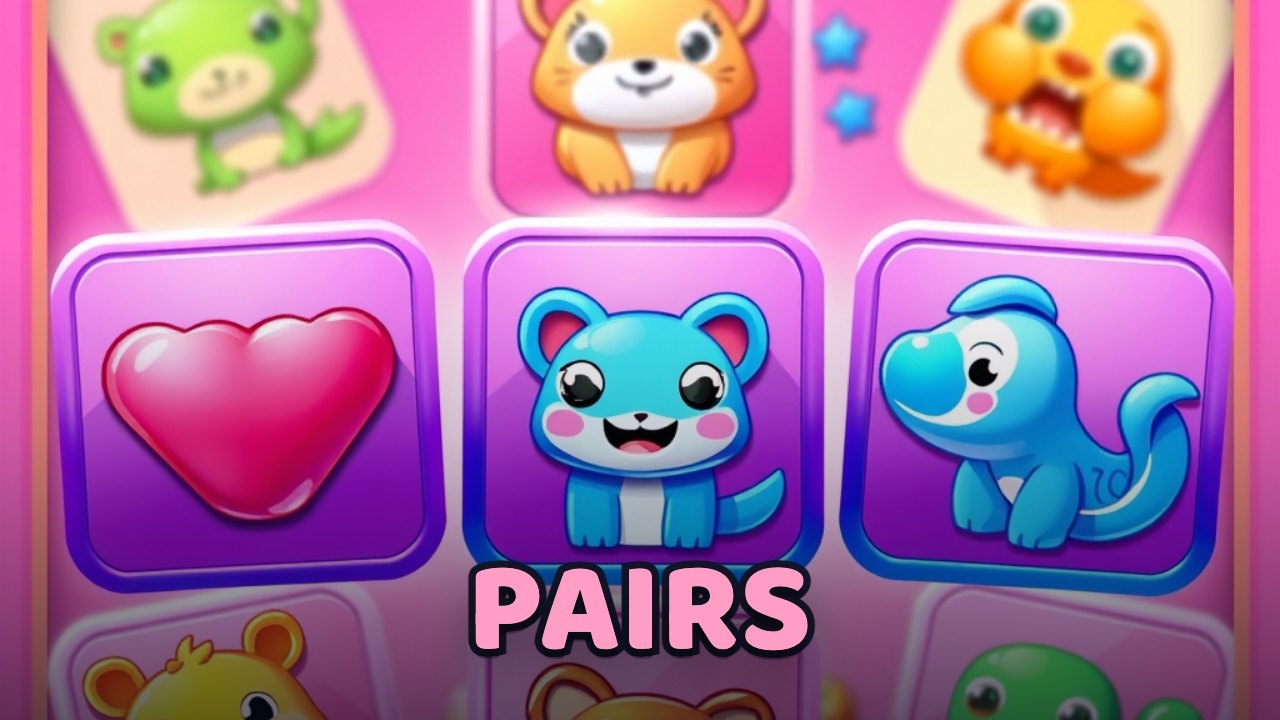
Flip cards two at a time and remember where each match is hiding.
How to play Pairs
The board holds sixteen face-down cards — eight symbols, each hidden on two of them. Tap a card to flip it face-up.
Flip a second card. If the two symbols match, both stay face-up and lock in place; if they don't, both flip back after a moment.
Every symbol is a different shape, not just a different colour, so a match is always clear at a glance.
Clear all eight pairs to win. Match pairs back-to-back to build a combo for more points, and finish fast with few flips for a bigger bonus.
Controls
- Tap / click
- Flip the card you point at
- Tab / arrow to a card, Enter or Space
- Flip with the keyboard
- New game button
- Reshuffle and start a fresh board
- Play again
- Deal a new board after you clear it
Tips
- Turn over new cards early to learn the board, then start pairing up what you remember.
- Chain matches without a wrong guess — each match in a row is worth more than the last.
- Note a card's position the moment you reveal it; its partner is usually only a flip or two away.
- Speed and precision both pay: fewer flips and a quicker clear each add to your final score.
About Pairs
Pairs is Navritto's take on the classic memory (concentration) card game, rebuilt to play instantly in the browser. Sixteen cards hide eight matching pairs of distinct symbols; you flip two at a time, lock the matches, and try to clear the whole board in as few attempts as you can. The score rewards both memory and speed — consecutive matches build a combo, and a fast, efficient clear earns a completion bonus — and your best is saved on your device. It needs no install or account and works with touch or the keyboard. Pairs joins Gummy Snake and Doubler in Navritto Games and shares the same feel — the flip, the pop, the glow on every match — that runs through them all.
Frequently asked questions
- Is there a free memory matching game online with no download?
- Yes. Pairs is a free memory (concentration) matching game you play right in your browser — no download and no sign-up. Flip cards two at a time to find eight hidden pairs and clear the board, chaining matches for a combo, with your best score saved on your device.
- What is Pairs?
- Pairs is Navritto's memory (concentration) card game. Sixteen face-down cards hide eight matching pairs; flip two at a time to find and lock the matches, and clear the whole board.
- How do you play the memory game Pairs?
- Tap a card to flip it, then flip a second. If the symbols match they stay up; if not, they flip back. Remember where each symbol is and clear all eight pairs — matching back-to-back builds a combo.
- Is Pairs free and playable without downloading?
- Yes. Pairs plays in your browser with no install and no account. Your best score is saved on your device.
- How do you score well in Pairs?
- Clear the board in as few flips as you can and match pairs back-to-back to build a combo. A fast, efficient clear earns a completion bonus.




Explore more from Navritto
More things you can use right here on the site — nothing to install.